Find what takes up space
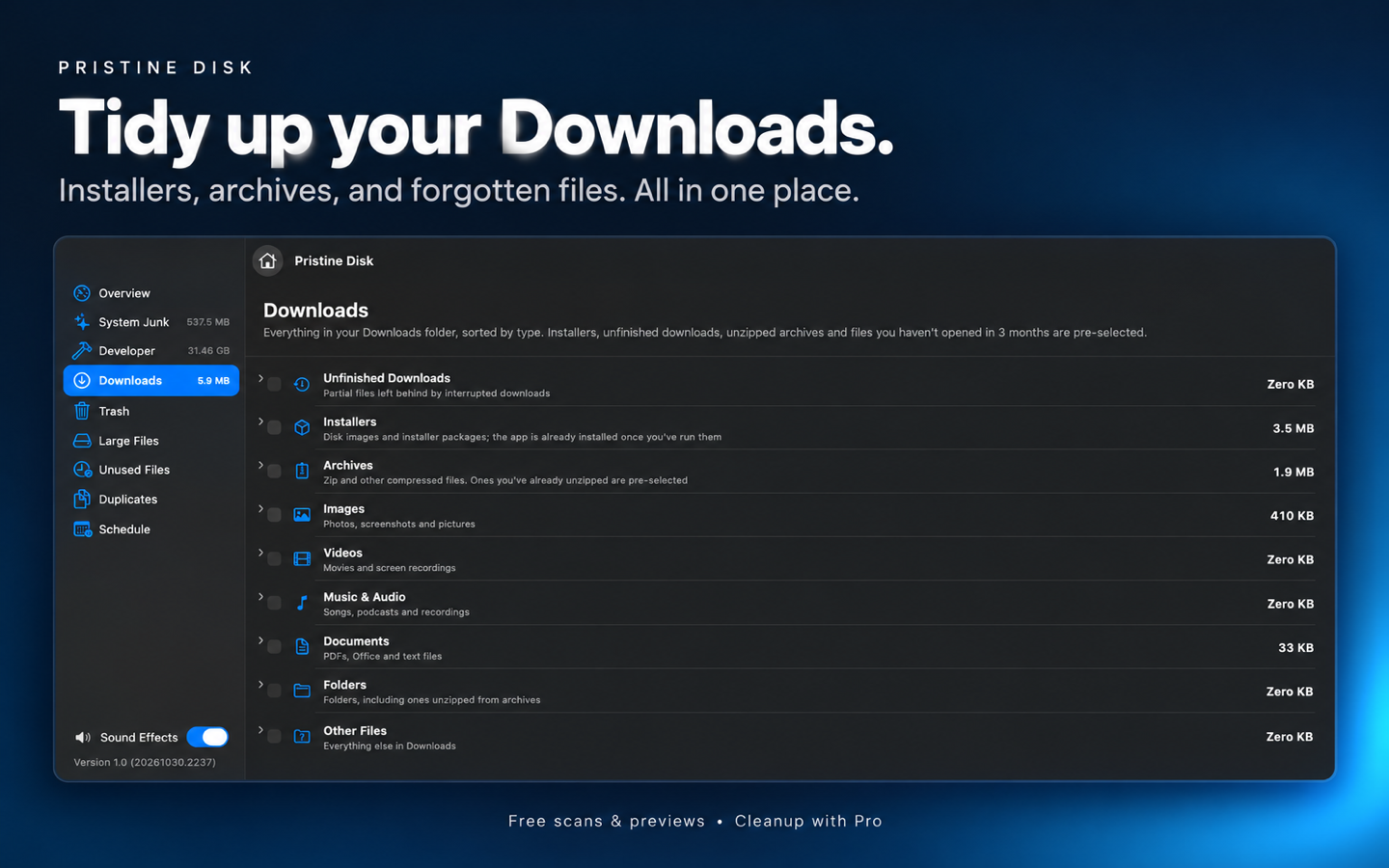
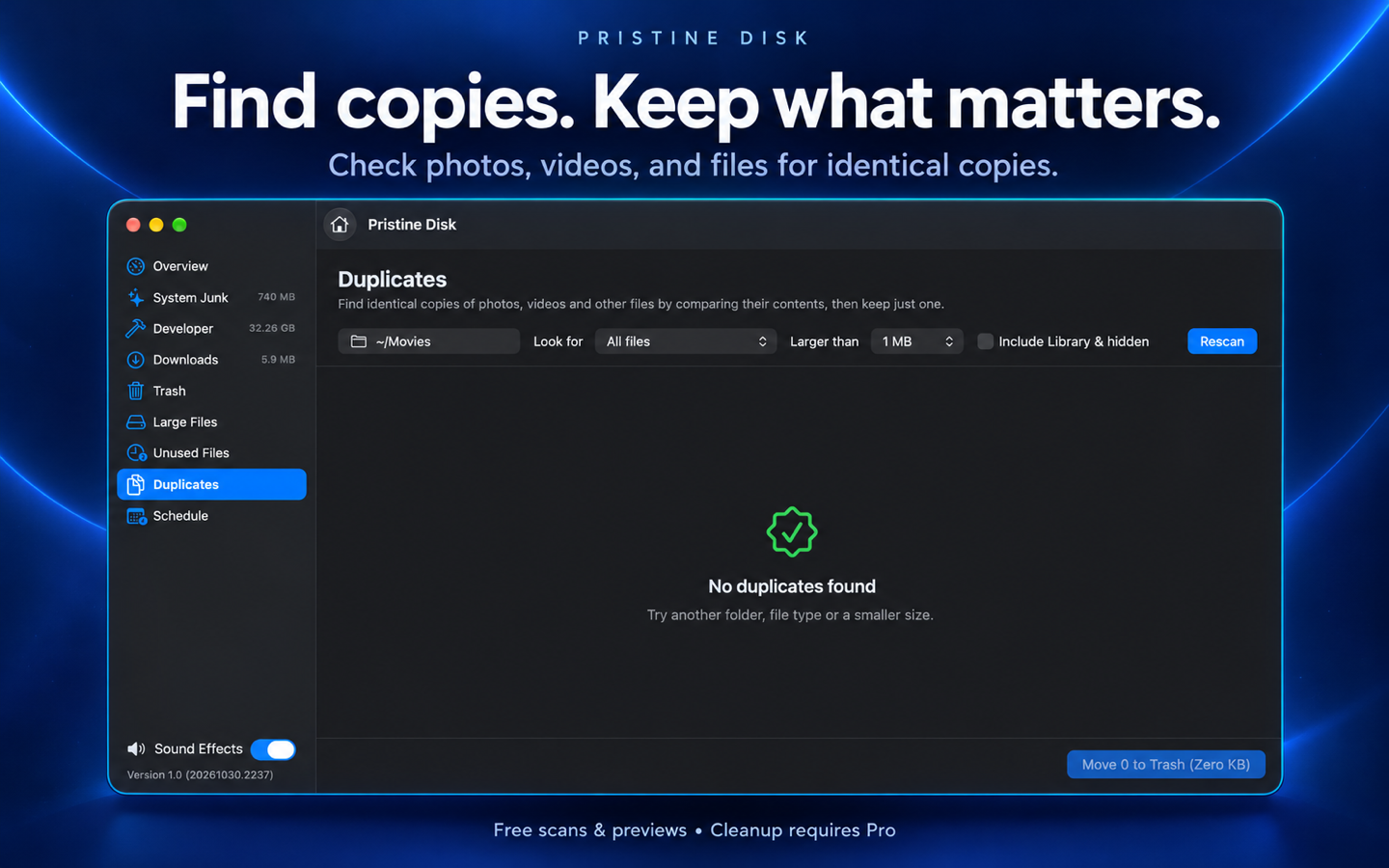
Review large and unused files, explore Downloads by type, and compare file contents to find identical copies.
Find storage clutter, review what you no longer need, and choose what to clean. A native Mac app with a special place for developers.
Explore Downloads, duplicate files, large or unused files, and accessible caches and build folders. Scan and preview results for free, then unlock cleanup and scheduled checks with Pro.
Coming soon to the Mac App Store.
Help and support
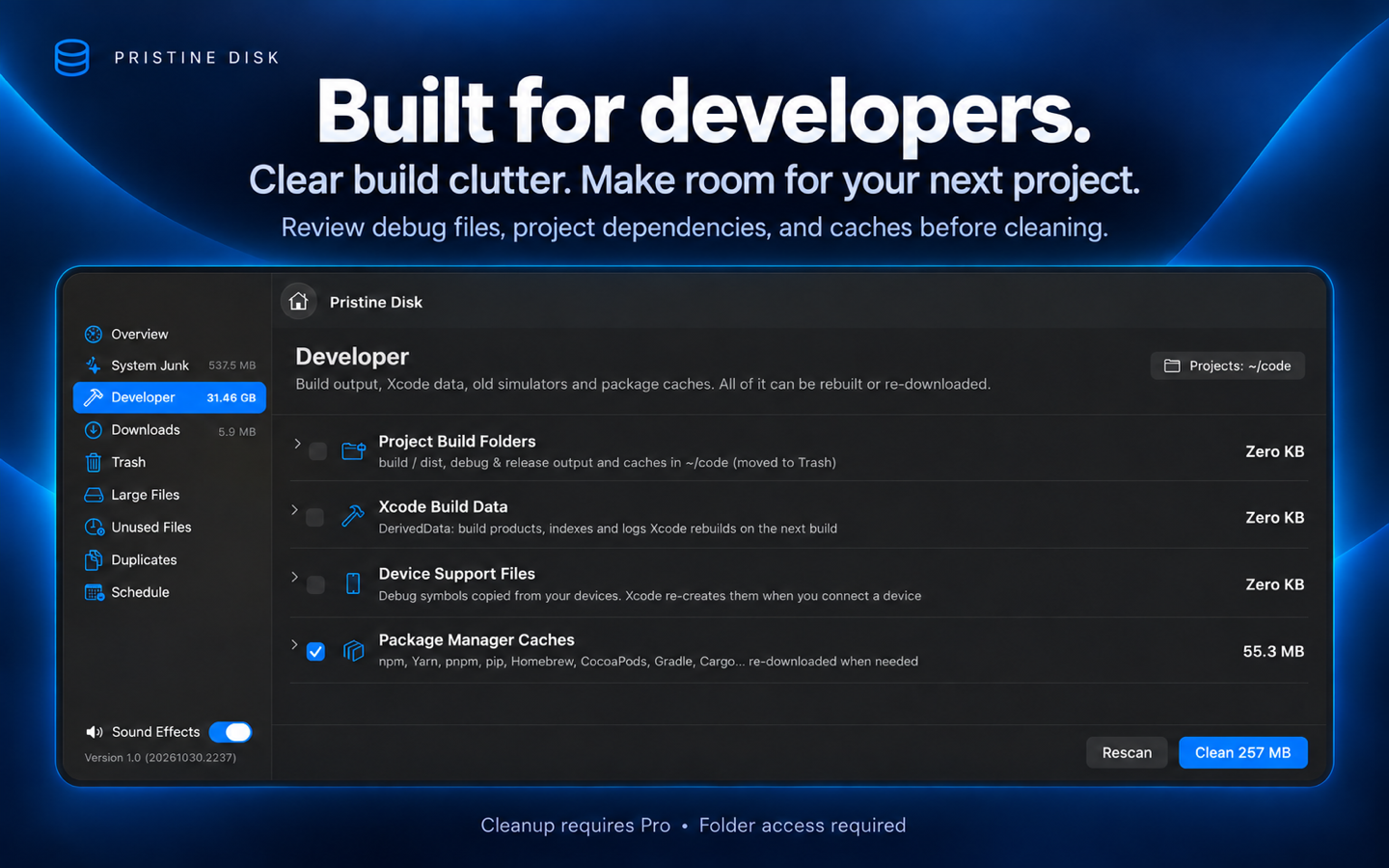
Build output, debug and release folders, project dependencies such as node_modules, package caches, and Xcode DerivedData can accumulate over time. Review accessible developer files and choose which rebuildable files to remove.
Review large and unused files, explore Downloads by type, and compare file contents to find identical copies.
See results before taking action. Move selected personal files to the Trash, or remove selected rebuildable caches and build files. Cleanup requires Pro.
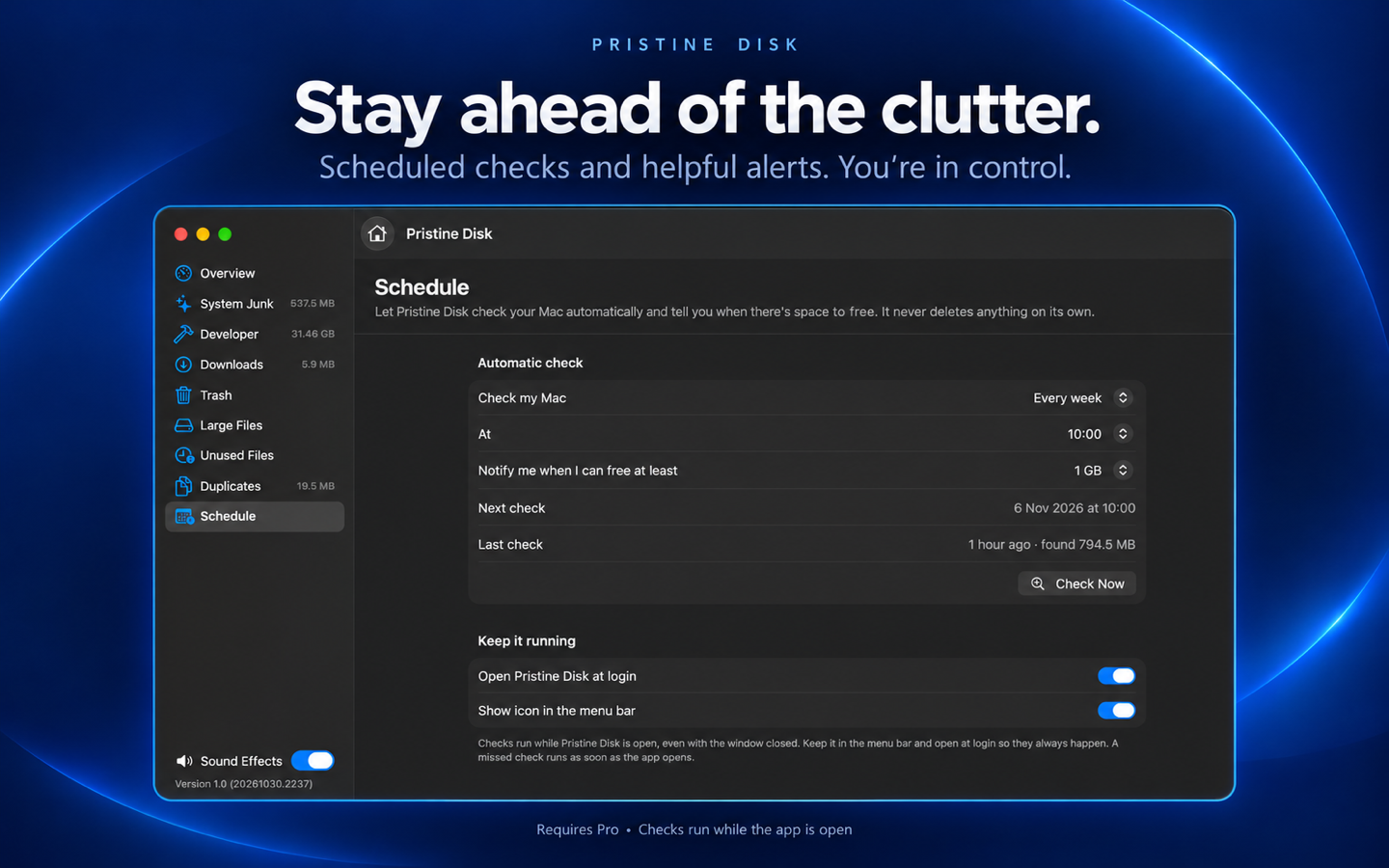
Pro adds scheduled scans and notifications at your chosen storage threshold. Checks run while the app is open and never delete files automatically.
Manual scans and result previews are free. Pro unlocks cleanup and scheduled checks. Planned US pricing is $4.99 monthly or $24.99 annually, with a 7-day free trial for eligible subscribers. Final localized prices, offer eligibility and renewal terms appear in Apple's purchase screen when subscriptions become available.
Scans run locally. Access is limited to locations authorized by you and permitted by macOS. Back up important files before cleaning; some cleanup actions permanently remove selected files.