See what takes up space
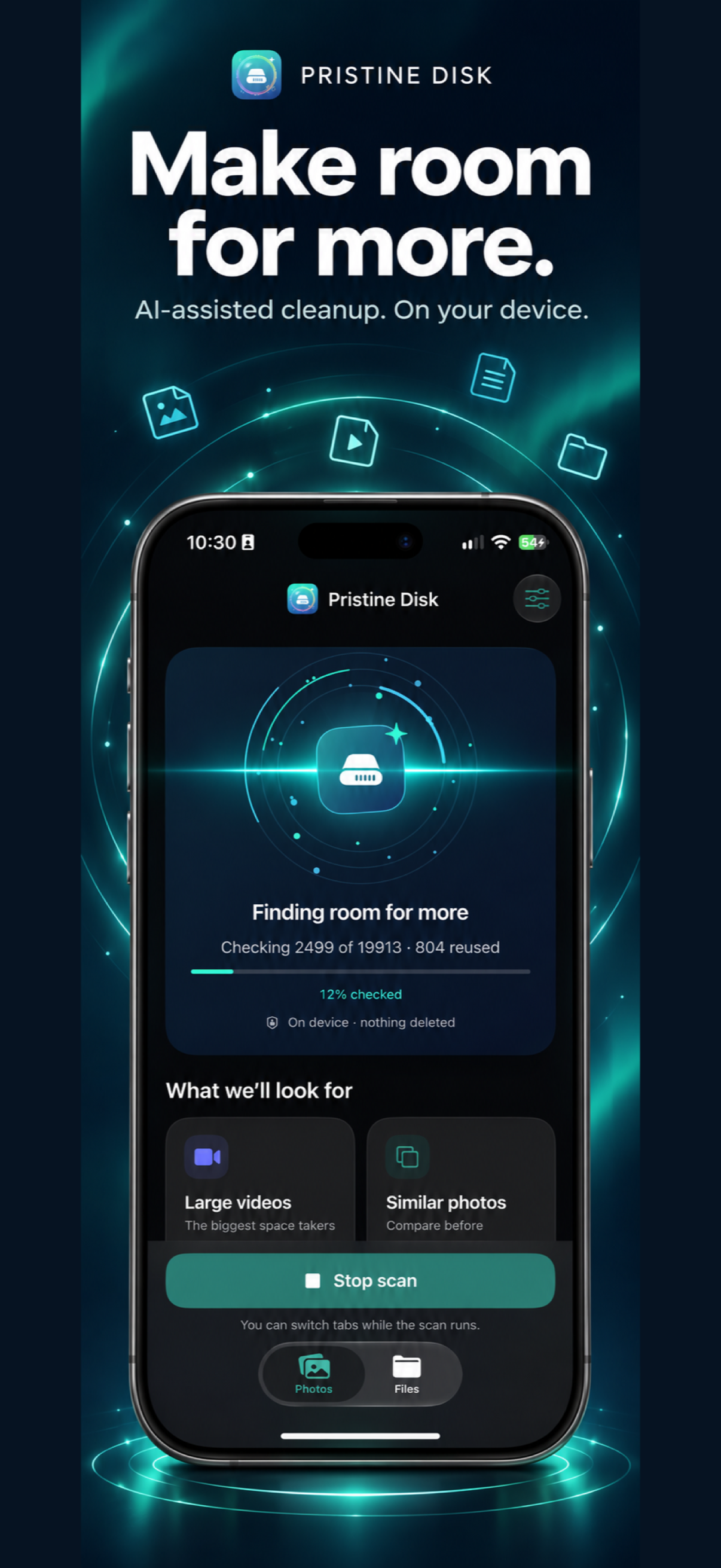
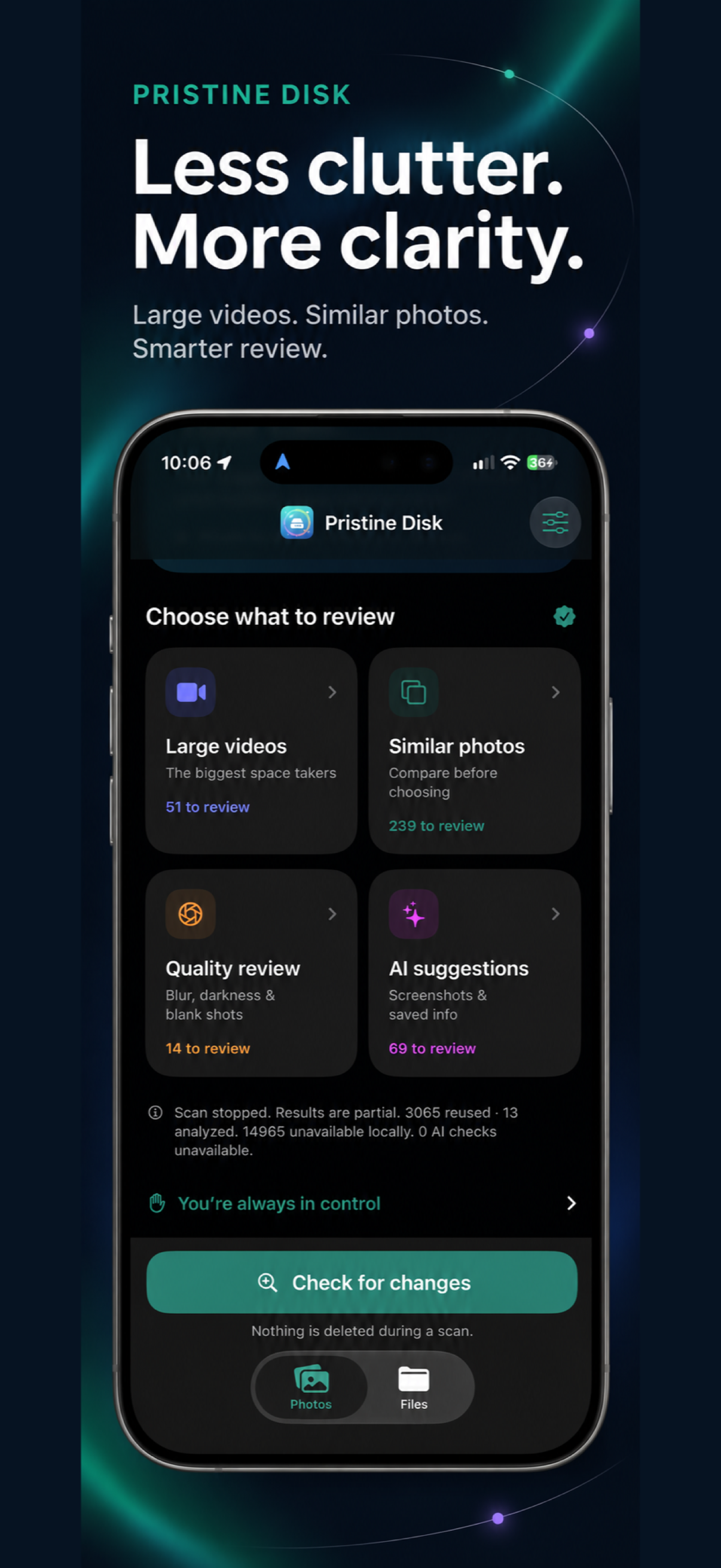
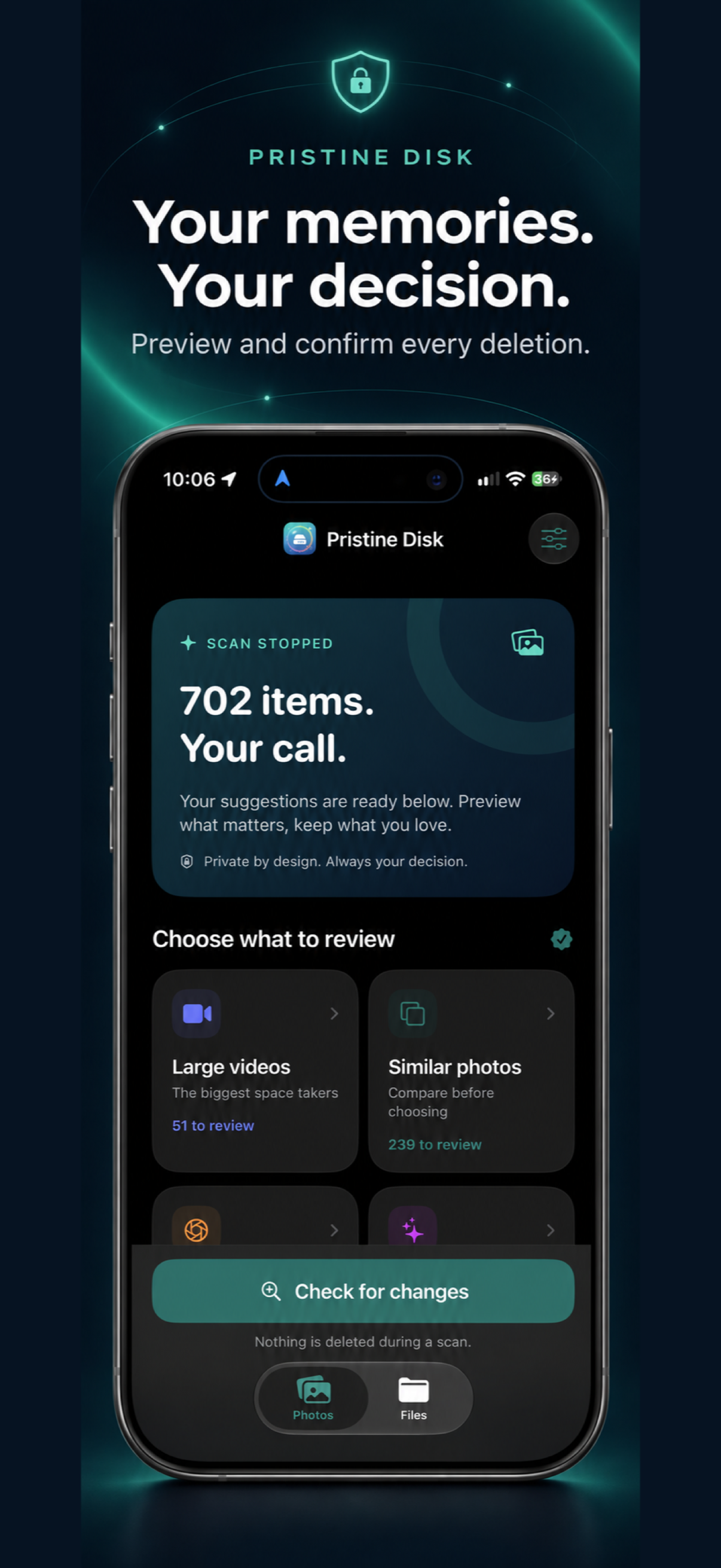
Review large videos and groups of similar photos. Spot potentially blurry, dark or blank pictures.
AI-assisted photo, video and file cleanup. Make room for what matters, with on-device analysis and a choice before every deletion.
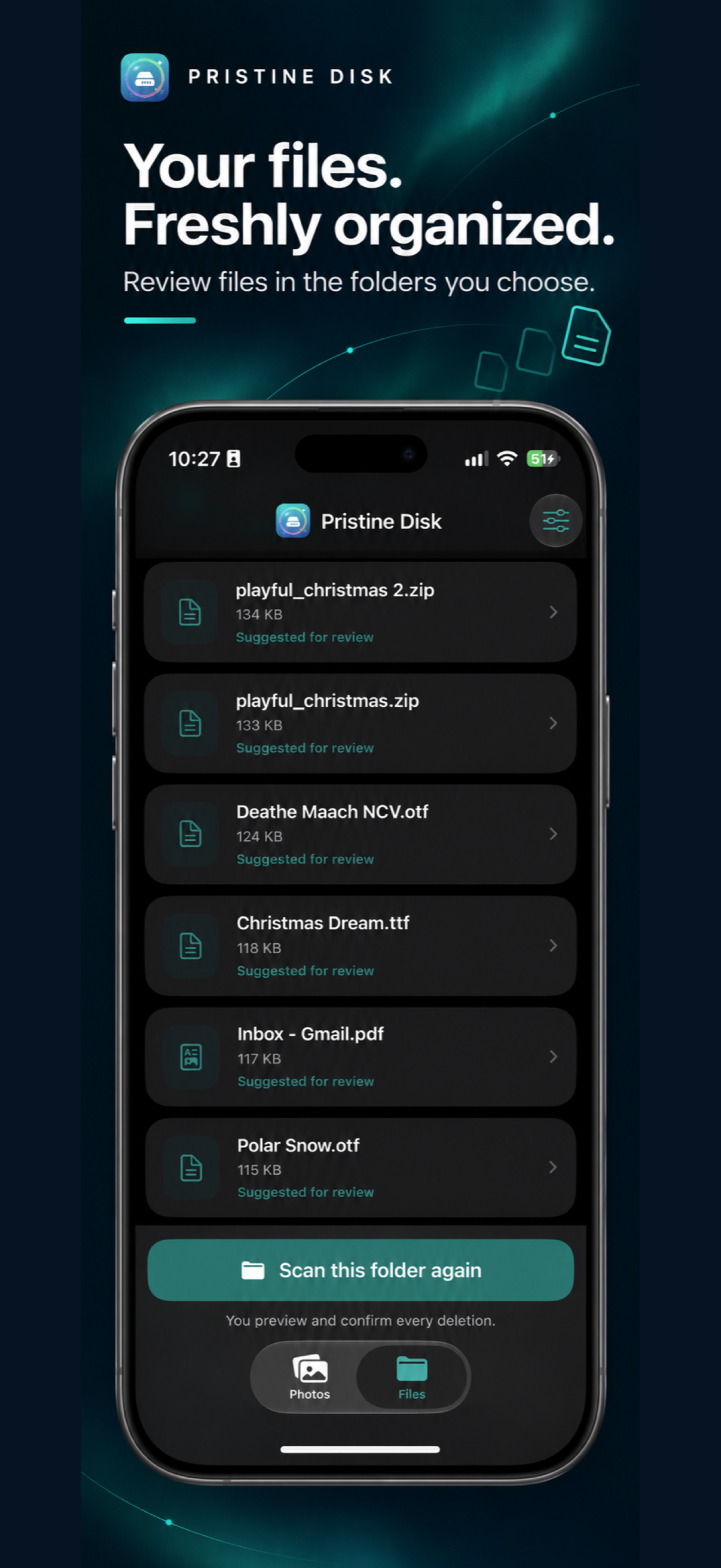
Find large videos, similar photos and pictures worth a second look. Explore old or large files in the folders you choose. Preview what matters and keep what you love.
Coming soon to the App Store for iPhone.
See the app Help and support
Review large videos and groups of similar photos. Spot potentially blurry, dark or blank pictures.
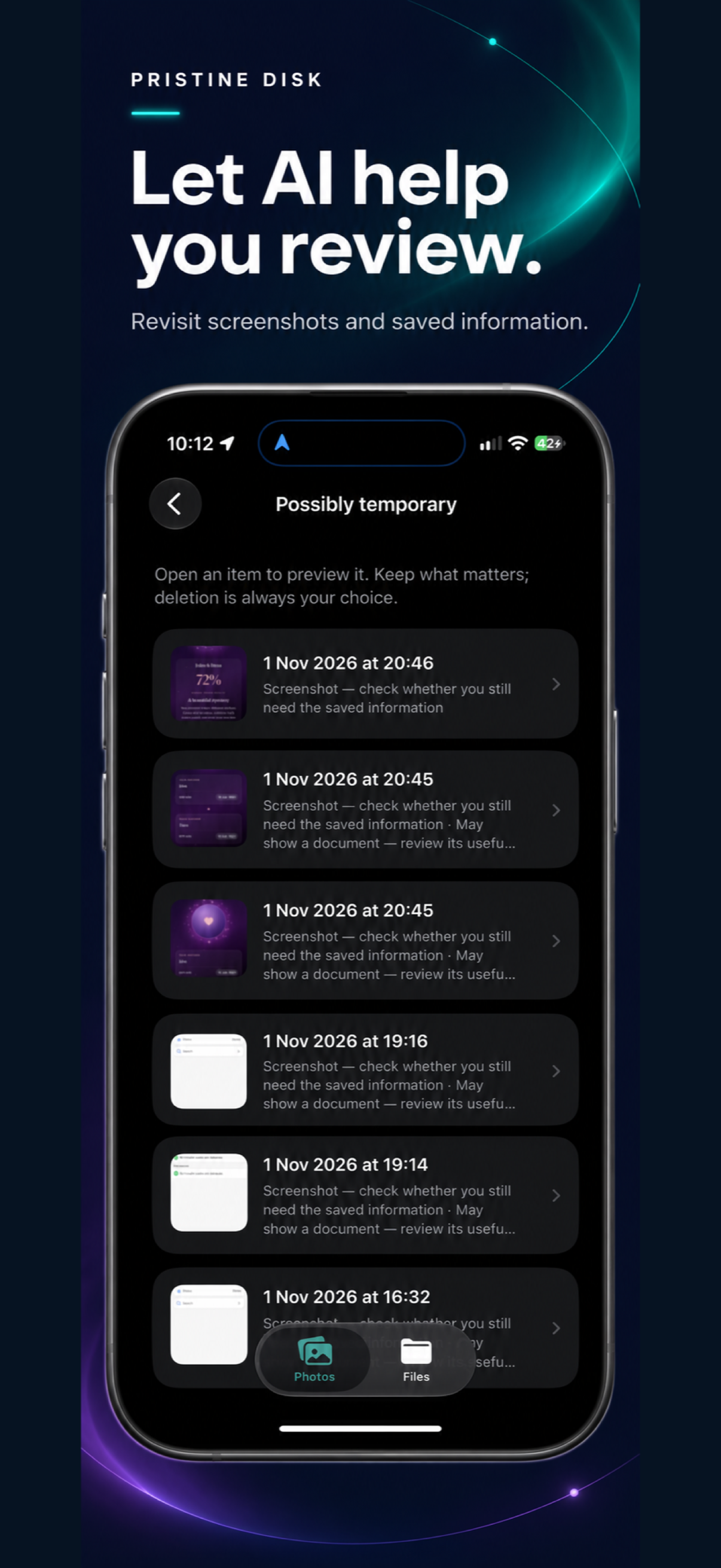
On-device analysis highlights screenshots and potentially temporary saved information. Optional file AI offers context on compatible devices.
Preview and confirm every deletion. Suggestions never delete your photos or files automatically.
Scan your library, explore suggestions and review selected folders. Saved photo analysis helps repeat scans focus on new or changed items.
Scan, review and decide at your own pace.
The app scans the photos you allow and folders you select. It cannot clean other apps’ caches or scan the whole iPhone. File age means last modified, not last used. AI suggestions can be mistaken and do not establish that an item is safe to delete.
How your data is handled · Questions and support · Explore Pristine Disk for Mac